
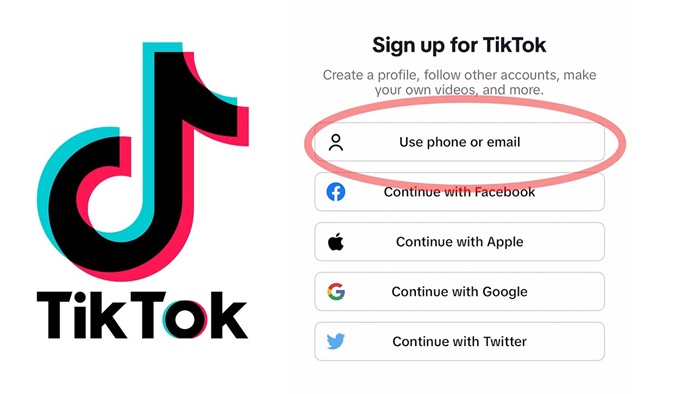
If you’ve been hearing about TikTok and wondering how to get started, you’re not alone. In this article, I’ll teach you how to create a TikTok account, and that includes all the necessary steps you need to take. All you have to do is adhere to the basic instructions here, and you’ll be good to go.
When I first created a TikTok account, I didn’t realize how powerful the platform was. At first, it just looked like a place for entertainment. But after spending a few days exploring, I began to see how people were building audiences, promoting businesses, and even making money.
The truth is, creating a TikTok account is very easy — but setting it up the right way is what gives you an advantage.
In this guide, I’ll walk you through:
- The exact steps to create your TikTok account
- My personal experience as a beginner
- Common mistakes to avoid
- How to secure your account
- Answers to frequently asked questions
Why TikTok Is Still Growing Fast
TikTok has become one of the fastest-growing platforms in the world because of one thing:
The algorithm gives everyone a chance
Unlike other platforms where you need followers first, TikTok can push your video to thousands of people — even if you’re just starting.
People are using TikTok for:
- Business promotion
- Affiliate marketing
- Personal branding
- Content creation
- Education
If you start now and stay consistent, you can grow faster than you think.
Requirements to Create a TikTok Account
Before you begin, make sure you have:
- A smartphone (Android or iPhone)
- Stable internet connection
- A valid phone number or email address
- Minimum age of 13 years
- A strong password
That’s all you need — no special skills required.
READ THIS: How to Make Money on TikTok in Nigeria (Beginner Guide)
Step-By-Step Guide on How to Create a TikTok Account
Creating a TikTok account is straightforward. Follow these steps below;
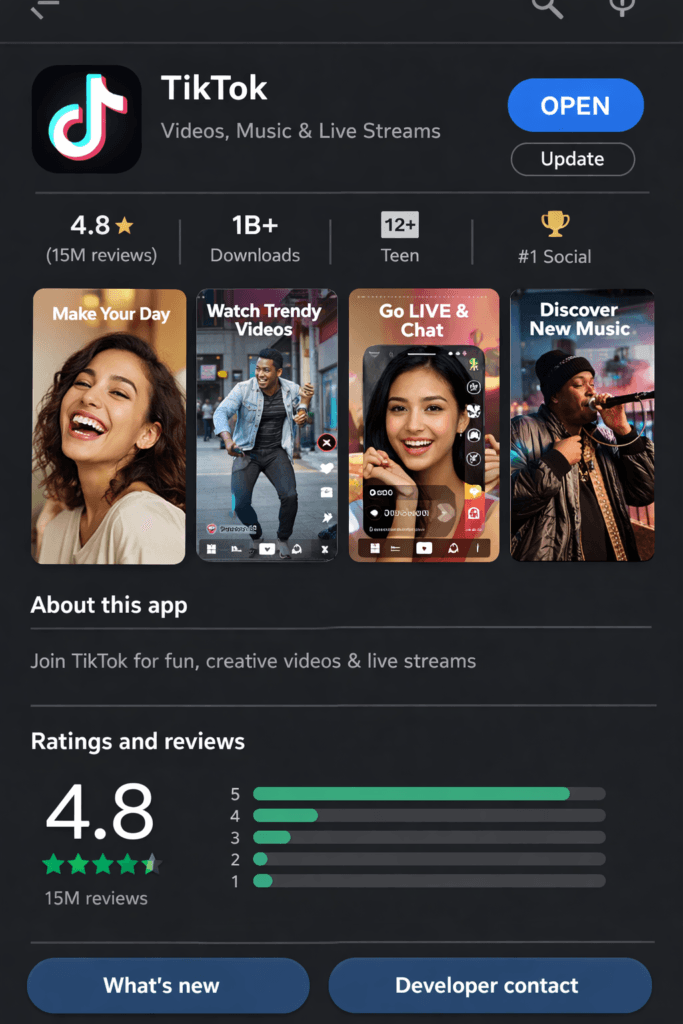
Step 1: Download the TikTok App
Go to:
- Google Play Store (Android)
- App Store (iPhone)
- Search for TikTok and click Install.
- After installation, tap Open.
Step 2: Tap on “Profile”
- When you launch the app, you’ll see a navigation bar at the bottom.
- Tap the Profile icon on the bottom right.
This will take you to the setup page.
Step 3: Choose Your Sign-Up Method
TikTok allows multiple ways to register an account. You can sign up using:
- Phone number
- Email address
- Google account
- Facebook account
- Twitter account
- Apple ID (for iPhone users)
Choose whichever option is most convenient for you.
Step 4: Enter Your Date of Birth
- TikTok will ask you to input your birthday for age verification.
- You must be at least 13 years old.
If you enter an age below 13, the platform will not allow you to continue.
Step 5: Verify Your Phone or Email
If you chose to sign up with:
- Phone number → TikTok will send an SMS code
- Email → TikTok will send a verification link
Enter the code (or click the link) to complete verification. This step helps secure your account.
Step 6: Create a Password
Choose a strong password that includes:
- Letters
- Numbers
- Optional symbols
Avoid simple passwords like:
- 123456
- password
- your name + year
A strong password keeps your account safe.
Step 7: Choose Your Username
Your username is how people find you. You can choose something catchy, simple, or related to your brand.
Examples:
- @educatefreshoffical
- @NigerianMoments
- @DailyMotivation
- @TechWithTunde
If your first choice is taken, try adding numbers or symbols.
Step 8: Set Your Profile Picture and Bio
This step is optional, but recommended.
A good bio helps people understand who you are.
You can add:
- A short description
- Your niche (fashion, comedy, tech, business, motivation, etc.)
- Emojis
- Contact link (if you later switch to a business account)
Step 9: Adjust Privacy Settings
TikTok lets you choose whether you want your account to be:
- Public (everyone can see your videos)
- Private (only approved followers can see your content)
If you plan to grow your account or promote a business, choose Public.
You can also control:
- Who can comment
- Who can duet with you
- Who can send messages
- Whether to allow downloads
Step 10: Start Exploring TikTok
Once your account is set up, TikTok will display random videos on your For You page.
You can start interacting by:
- Liking videos
- Commenting
- Following creators
- Saving sounds
- Exploring hashtags
This helps the TikTok algorithm understand your interests.
My Personal Experience Using TikTok
When I first created my TikTok account, I made a mistake: I didn’t have a clear focus.
I was posting random content, and I got:
- Very low views
- No followers
After observing successful creators, I changed my approach:
- Picked a niche (education & online tips)
- Started posting consistently
- Used trending sounds
Within a short time:
- My views improved
- Engagement increased
What I learned is that Consistency + clarity = growth. So, if you’re just starting, don’t expect instant results, and focus on learning the platform.
How to Protect Your New TikTok Account
Once your account is ready, keep it secure with these tips:
- Enable two-factor authentication
- Use a strong password
- Don’t share your login with strangers
- Avoid clicking suspicious links
- Log out of public devices
Common Mistakes Beginners Make
Avoid the following mistakes as a beginner on TikTok.
- Using a confusing username
- Skipping profile setup
- Posting without a niche
- Ignoring trends
- Not being consistent
Fixing these early will help you grow faster.
Tips to Grow Faster on TikTok
Growth is not magic — it’s strategy. So, if you want results:
- Post at least once daily
- Use trending sounds
- Keep videos short and engaging
- Add captions
- Use hashtags
Frequently Asked Questions (FAQs)
1. Is creating a TikTok account free?
Yes, creating an account on TikTok is completely free. You do not need to pay any registration fee to join the platform.
However, while the account itself is free, you may incur data charges from your internet provider when using the app. Also, if you decide to promote your videos or run ads in the future, that will require payment.
For beginners, you can start fully free — create content, grow your followers, and explore the platform without spending any money.
2. Can I create a TikTok account without a phone number?
Yes, TikTok allows you to sign up using your email address instead of a phone number.
This is a good option if:
- You don’t want to link your phone number
- You are managing multiple accounts
- You prefer email-based login
However, from experience, using a phone number can make account recovery easier if you ever lose access. Whichever method you choose, make sure it’s something you can always access.
3. What is the minimum age to use TikTok?
To create an account on TikTok, you must be at least 13 years old.
TikTok has additional safety restrictions for younger users:
- Accounts under 16 may have limited features
- Privacy settings are stricter for minors
- Some features, like direct messaging, may be restricted
If you’re creating an account, always use your real date of birth to avoid future issues with verification or account recovery.
4. Can I change my TikTok username later?
Yes, you can change your TikTok username after creating your account, but there is a limitation. TikTok allows you to change your username once every 30 days.
Because of this, it’s important to choose a good username from the beginning — especially if you plan to build a brand or business.
When changing your username:
- Keep it simple and easy to remember
- Avoid unnecessary symbols
- Try to stay consistent with your brand name
5. How long does it take to create a TikTok account?
Creating an account on TikTok usually takes less than 5 minutes.
If you already have:
- A working phone number or email
- Stable internet connection
Then the process is very fast:
- Download app
- Sign up
- Verify
- Set username
However, setting up your profile properly (bio, picture, settings) may take a little extra time — and it’s worth it if you want to grow faster.
6. Can I use TikTok for business?
Yes, TikTok is one of the best platforms right now for promoting a business.
Many people use TikTok to:
- Advertise products
- Build personal brands
- Drive traffic to websites
- Sell services
You can even switch to a TikTok Business Account, which gives you access to:
- Analytics
- Advertising tools
- Business features
From experience, businesses that succeed on TikTok post consistently, follow trends, and provide value (not just selling)
Conclusion
TikTok is more than an app; it’s a global community. Creating a TikTok account is easy, fast, and completely free. With just a smartphone, internet connection, and a phone number or email address, you can set up your account in minutes.
TikTok continues to grow every day, and now is the best time to join if you want to build influence, promote a brand, share your talents, or simply enjoy endless entertainment. Follow the steps in this guide – How To Create A TikTok Account, avoid common mistakes, and secure your account properly.
Once your profile is ready, start exploring, creating, and connecting with millions of users worldwide.
Feel free to use the comment box below for any questions. Also, share this article on your social media accounts so that others can learn from it.