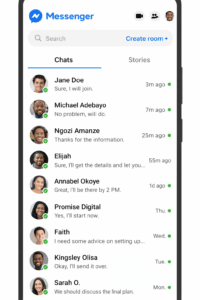
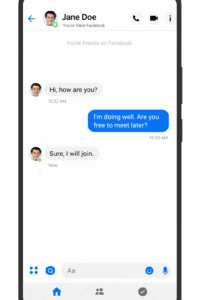
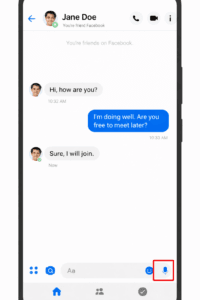
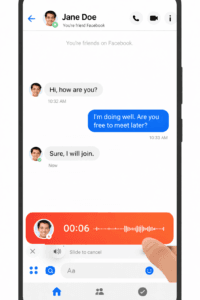
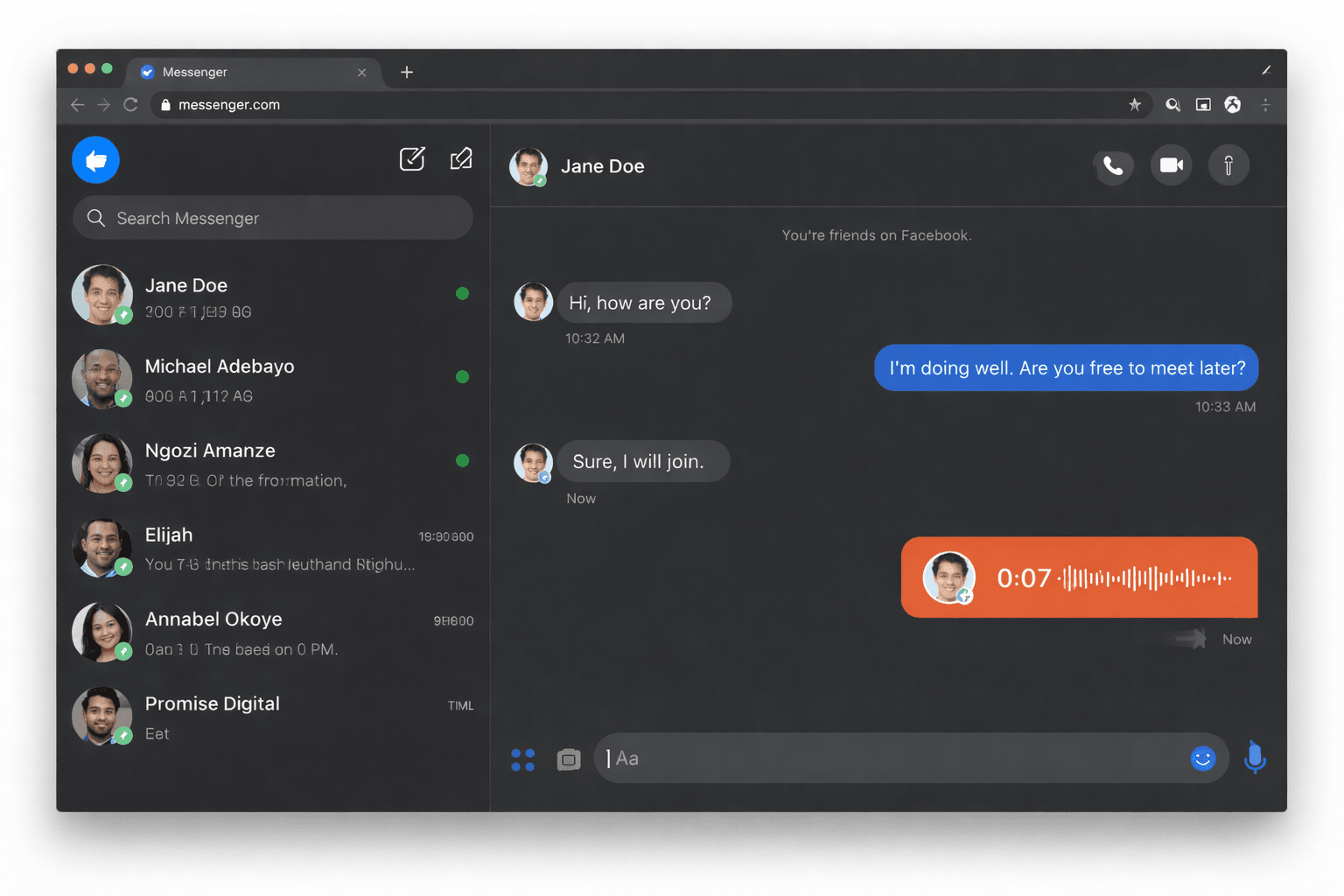
Communication on social media has evolved far beyond simple text messages. Today, people want faster, more natural, and more expressive ways to connect with friends, family, and even customers online. One of the most useful features that makes this possible is voice recording in Facebook Messenger.
If you have ever wondered how to send voice recording in Facebook Messenger, you are not alone. Many users still rely heavily on typing messages, even though voice messages can save time and make conversations feel more personal.
Facebook Messenger is one of the most widely used messaging platforms in the world, allowing people to chat instantly, make voice calls, share media, and even run businesses. With billions of active users, Messenger has become a powerful communication tool for both personal and professional interactions.
Sending voice recordings through Messenger allows you to express emotions, explain ideas clearly, and communicate faster without typing long texts. This feature is especially helpful when multitasking, driving, or responding quickly to customers.
In this complete guide, you will learn:
How to send voice recording in Facebook Messenger on Android
How to send voice recording on an iPhone
How to send voice recordings using a computer
Common problems and how to fix them
Tips for sending clear voice messages
By the end of this tutorial, you will be able to confidently use Facebook Messenger voice recording like a pro.
What Is a Voice Recording in Facebook Messenger?
A voice recording in Facebook Messenger (also called a voice message or audio message) is a short audio clip that you record directly inside the Messenger app and send to another person or group chat.
Instead of typing a message, you simply press the microphone icon, speak into your phone, and send the recording instantly.
The recipient can then listen to your voice message directly within the chat without downloading any files.
Voice recordings are becoming increasingly popular because they make conversations feel more natural and personal compared to traditional text messages.
Benefits of Sending Voice Messages on Messenger
There are many reasons why people prefer sending voice recordings instead of typing messages.
Faster Communication
Voice messages allow you to communicate much faster than typing long paragraphs.
More Emotional and Personal
When people hear your voice, they can understand your tone and emotions better.
Useful While Multitasking
You can send voice recordings while cooking, driving, or working without needing to type.
Great for Explaining Things Clearly
Voice messages are excellent when giving instructions or explaining complex ideas.
Helpful for Business Communication
Many businesses now use voice messages to respond quickly to customers and build stronger relationships.
My Experience Using Voice Messages on Facebook Messenger
From my personal experience managing online communication and interacting with customers, voice messages have been extremely useful.
Sometimes typing long explanations can take time, especially when replying to multiple people. Using voice recordings in Facebook Messenger makes communication quicker and more natural.
For example, when explaining digital marketing tips or responding to customer inquiries, sending a quick voice message often helps the person understand better than reading a long text.
Voice messages also help build trust because people can hear a real human voice rather than just reading typed messages. Because of this, many digital marketers and online business owners now use voice recordings regularly when communicating with clients and customers.